When evaluating adobe firefly review in 2026, real performance matters more than marketing promises. Adobe Firefly will not win art contests. But it solved my licensing problem. While Midjourney and open-weights models scrape public web art without consent, creating massive legal uncertainty for commercial publishers, Adobe built Firefly strictly on licensed Adobe Stock images and expired public domain works. Here is what that corporate safety actually means for your daily work.
If you work for an enterprise brand, an advertising agency, or a risk-averse corporate client, using images generated from unverified training sets can trigger copyright lawsuits. Adobe eliminates that legal liability by providing commercial indemnification for Firefly outputs on paid enterprise accounts.
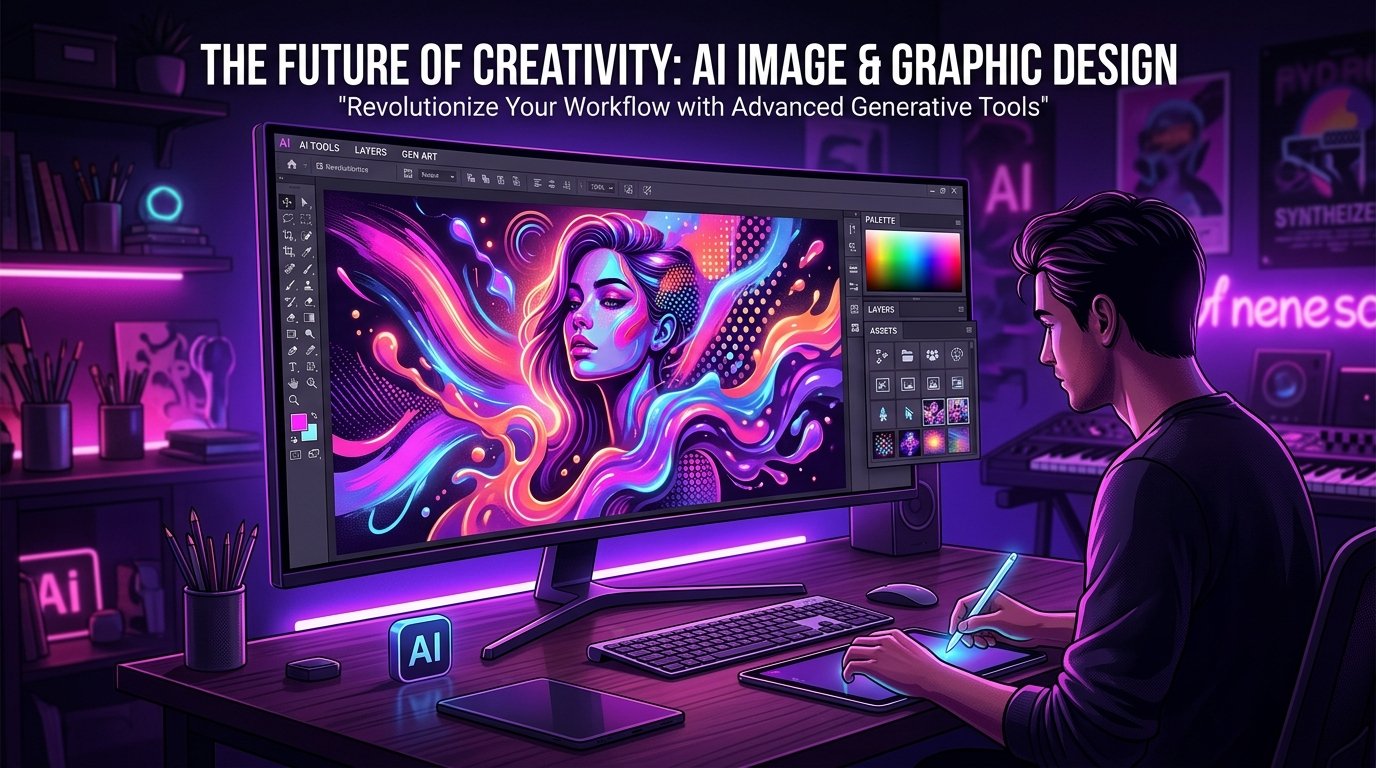
Quick Breakdown. Adobe firefly review in 2026
| Feature | Firefly Capability | Commercial Value |
|---|---|---|
| Training Data Ethics | Trained exclusively on Adobe Stock and public domain content | Complete legal safety and corporate copyright indemnity |
| Photoshop Integration | Powers Generative Fill and Generative Expand natively | Seamless retouching directly inside professional desktop layers |
| Vector Generation | Generates scalable, editable vector graphics inside Illustrator | Download pure SVG vector paths for logos and icons |
| Free Plan Allowance | 25 monthly generative credits refreshed every month | Sufficient for light image generation and testing |
| Starting Price | Free tier / $4.99 / month (100 credits) or included in CC | Free add-on for existing Adobe Creative Cloud subscribers |
| Official Resource | Platform | Visit Adobe Firefly studio |
1. Generative Fill. The True Superpower
In my hands-on testing of adobe firefly review, the results confirmed clear performance distinctions. Firefly greatest strength is not its standalone web generator. Its true power emerges inside Adobe Photoshop. The Generative Fill tool allows you to select any area of a photograph with the lasso tool and type a modification prompt. You can remove a telephone pole, replace a plain office wall with a brick loft, or change an actor jacket color in seconds.
When evaluating adobe firefly review for day-to-day work, usability is just as critical as raw features. Photoshop blends lighting, shadows, and perspective seamlessly into the surrounding pixels. What once took ninety minutes of meticulous clone stamping now happens in three seconds.
Firefly Strengths
- Complete commercial safety backed by Adobe legal indemnity
- Native Generative Fill integration inside desktop Photoshop
- Produces true editable SVG vector paths inside Illustrator
- Included automatically for Adobe Creative Cloud subscribers
Firefly Limitations
- Standalone web art looks less dramatic than Midjourney
- Aggressive safety filters block harmless creative concepts
- Credit consumption system limits heavy batch generation
A key consideration with adobe firefly review is how seamlessly it integrates into existing workflows. The Bottom Line. If you already pay for Adobe Creative Cloud, Firefly is an indispensable productivity boost inside Photoshop. If you need breathtaking standalone fantasy art, look at Midjourney instead.
Read our in-depth analysis on Canva Magic Studio review.

Alex Carter is a tech writer and AI enthusiast with over 5 years of experience testing and reviewing software tools. He has personally tested more than 80 AI tools and helps readers find the right technology for their specific needs. Alex founded replyear.com to provide honest, hands-on reviews free from hype.